Dual Subtitles: How to Learn English with Bilingual Subtitles (Without Depending on Them)
Quick answer
Dual (bilingual) subtitles do help you learn English, as long as you treat them as a first step rather than a crutch. Watch a short video once with both languages to understand it, then again with English subtitles only, then with subtitles hidden, revealing only the lines you miss. Finish by shadowing three to five sentences out loud. Always read the English line first and look at the translation only when you're stuck.
Dual subtitles, English on one line and your own language right under it, have become one of the most popular ways to learn English from videos. There are browser extensions that add them to streaming sites, apps built around them, and plenty of learners who say they finally started understanding native speakers this way.
There are also plenty who say they watched for a year and their listening barely moved.
Both are true. Dual subtitles are a powerful tool, and an easy one to misuse. This guide covers what they're good for, where they hold you back, and a simple routine to get the benefits without becoming dependent on them.
What dual subtitles actually do for you
When you watch with only English subtitles, a sentence you don't understand is just noise. When you watch with only your native-language subtitles, you understand everything but you're reading, not learning English.
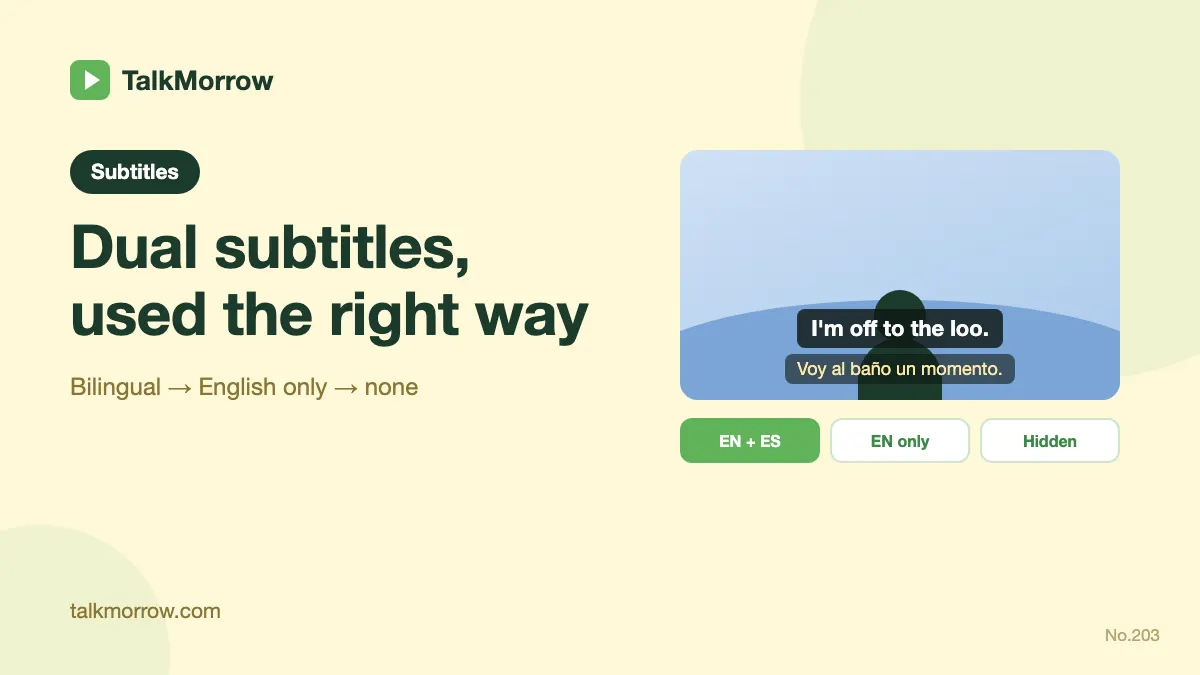
Dual subtitles sit in the middle. You hear the English, see the English, and can glance at the meaning when you need it. That does three useful things:
- It makes harder videos understandable. You can watch real, natural content, not just slowed-down learner material, and still follow it.
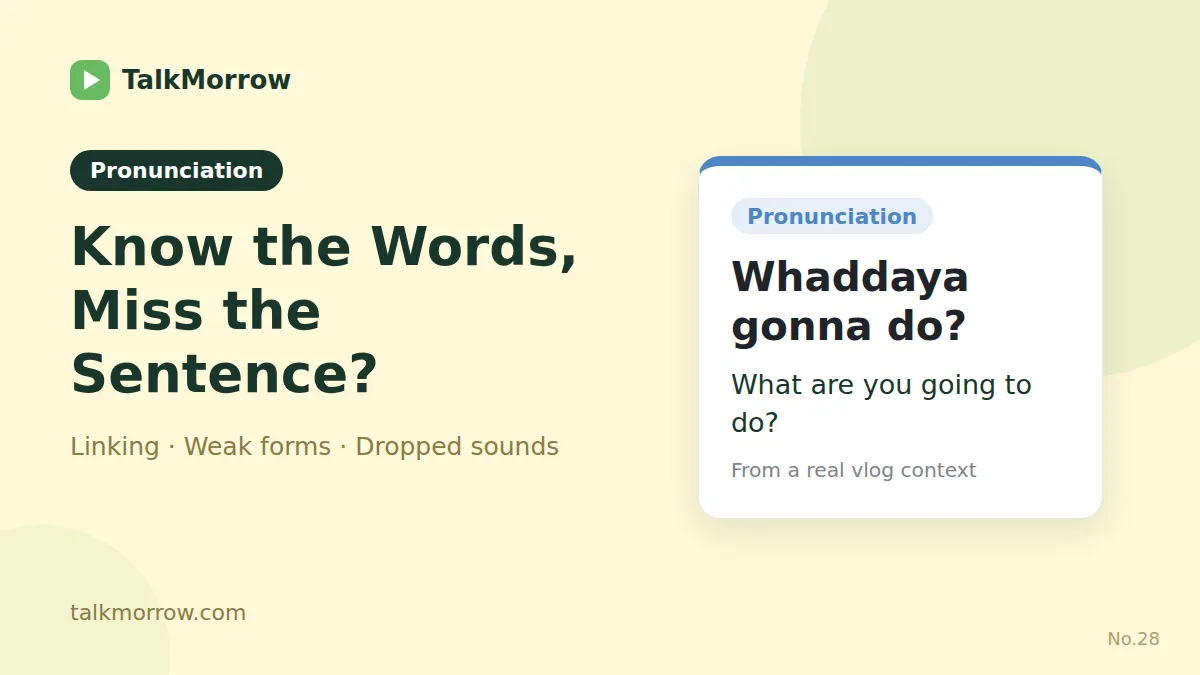
- It connects sounds to words. Seeing "gonna" or "I dunno" spelled out while you hear it helps you recognize fast speech next time.
- It shows you how ideas are expressed, not just words. You see that "I'm off to the loo" means "I'm going to the bathroom", a whole phrase, not a word-by-word translation.
Dual subtitles and comprehensible input
You'll often hear the term comprehensible input: the idea that we acquire a language by understanding messages that are just a little above our current level. If the input is too easy, you don't grow. If it's too hard, it's just noise.
Real vlogs are usually a bit too hard for intermediate learners on their own. A translation line can bring them back into the "comprehensible" zone. That's the strongest argument for dual subtitles: they let you learn from authentic English much earlier than you otherwise could.
The catch is in the word input. If your eyes do all the work, reading the translation and skipping the English, your ears get very little input at all.
Where dual subtitles hold you back
Watch for these signs:
- You read the translation first, every time. Your brain takes the shortest path. If the translation is always there, you stop trying to understand the English.
- You can follow videos with subtitles but not without them. That's reading comprehension, not listening.
- You watch a lot, but you can't use any of it. Understanding a phrase once while reading isn't the same as being able to say it.
None of this means you should switch subtitles off and suffer. It means subtitles should change as you go: lots of support the first time you meet a sentence, less each time after.
A 4-step routine: from dual subtitles to no subtitles
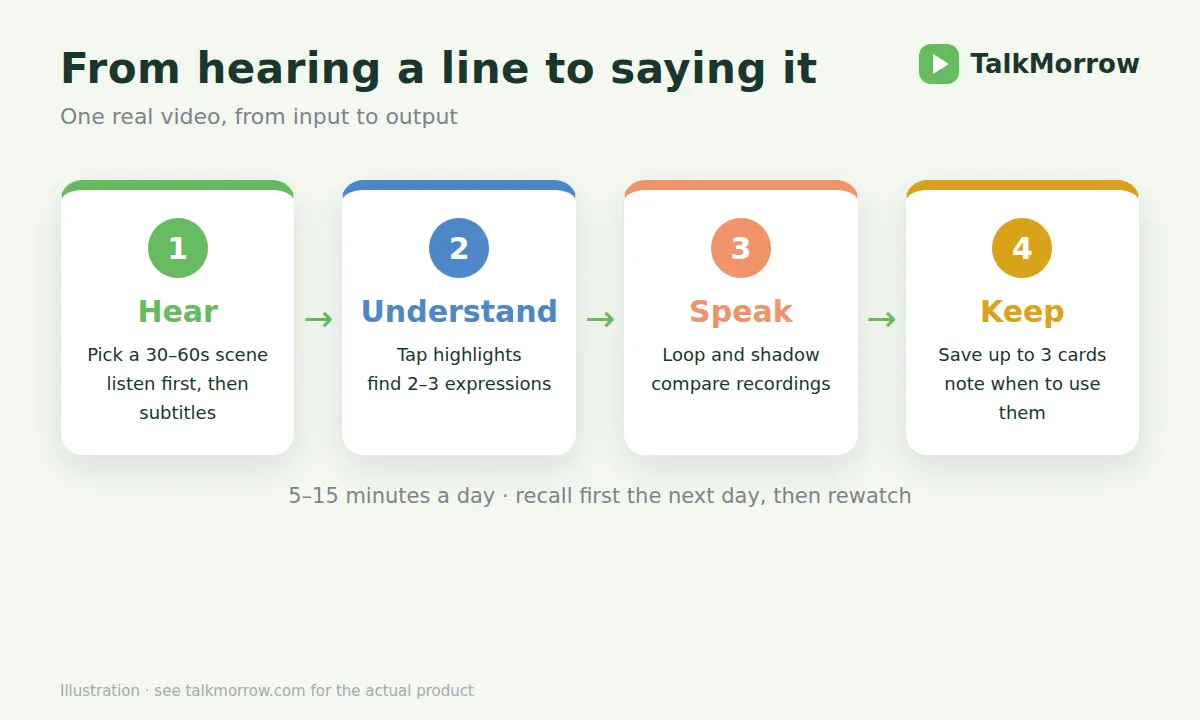
Use one short video (two to five minutes) and run through it in four passes. It takes about 15–20 minutes.
1. Bilingual pass: understand everything.
Watch with English and your language together. The goal is simply to know what's going on. Pause when something's unclear and read both lines.
2. English-only pass: connect sound and text.
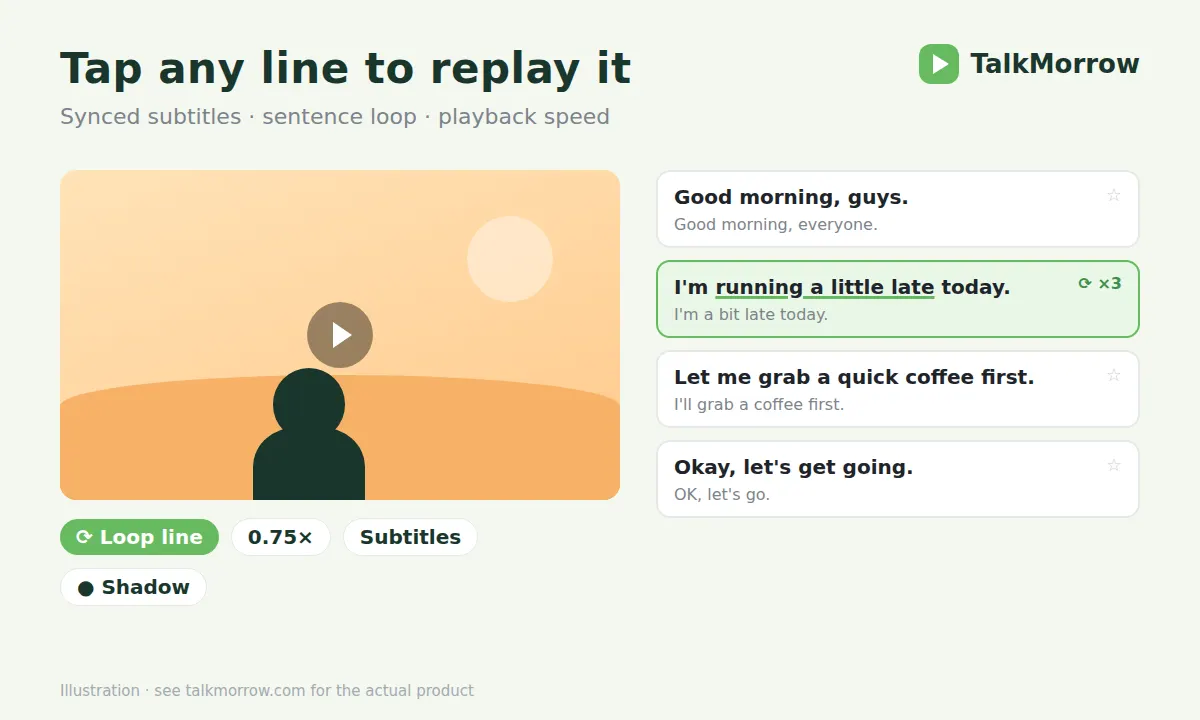
Switch the translation off. Go sentence by sentence, and replay any line you can't catch with the text in front of you. Slow it down if you need to. This is where "I dunno" turns from noise into words.
3. Hidden pass: real listening.
Hide the subtitles and listen again. When you get stuck, reveal just that one sentence, check it, and hide it again. Count how many sentences you needed to reveal. That number should fall each time you come back.
4. Speaking pass: make it yours.
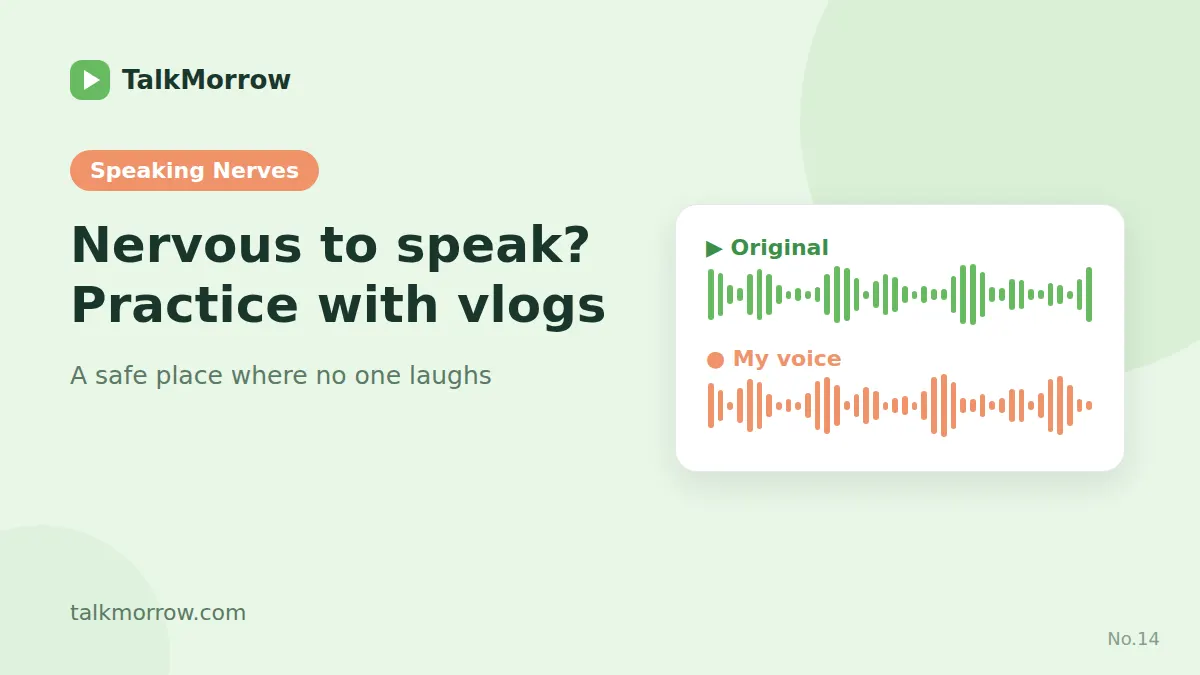
Pick three to five lines you'd actually use. Loop each one, shadow it out loud, and record yourself to compare with the speaker. Save the phrases as cards so you see them again tomorrow.
Repeat the same video a day or two later, starting from step 2. Most learners are surprised how much more they catch the second time.
Tips that make dual subtitles work better
- Look at the English line first. Only drop your eyes to the translation when the English doesn't make sense.
- Use sentence-level subtitles. Subtitles that change every few words make you chase text. One full sentence per line is much easier to read, replay and remember.
- Translate phrases, not words. When the translation surprises you, that's the moment to stop. It usually means the English uses an idiom or a phrase you should save.
- Go easy on the volume of videos. One video worked through properly is worth more than five watched with the translation on autopilot.
- Don't read every translation on the second watch. If you only need it for two or three lines, you're making progress.
How TalkMorrow handles subtitles
We built TalkMorrow around exactly this routine, using real vlogs instead of movies, because vlogs are short, conversational and full of everyday English.
- Bilingual, English-only or translation-only. Switch subtitle modes from the subtitles menu at any time. The translation is in your language (Simplified or Traditional Chinese, Japanese, Korean or Spanish).
- One sentence per line, tap to play. Every sentence is its own card. Tap one and the video jumps there.
- Sentence loop with a repeat count. Loop a single sentence as many times as you need, slow the speed, and move on automatically when you're done.
- Hide subtitles, reveal one sentence. Hide all the subtitles for a real listening pass, and tap a single line to check it.
- Highlighted phrases. Useful words, phrases and expressions are marked in the subtitles. Tap one to see its card, or switch on fill-in practice to test yourself.
- Shadowing and recording. Record yourself on any sentence and play it right after the original.
Dual subtitles are a great way in. The goal is to need them a little less every week.
FAQ
Are dual subtitles good for learning English?
Yes. They make natural, native-speed videos understandable earlier and help you connect fast speech to written words. They stop helping when you read the translation first every time, so reduce them step by step.
Should I watch with English subtitles or subtitles in my language?
Both have a place. Use your language to understand a new video, English subtitles to connect sounds to words, and no subtitles to test real listening. The four-pass routine above moves through all three.
How do I stop depending on subtitles?
Re-watch the same short video instead of always starting a new one. On the second and third pass, hide the subtitles and only reveal the sentences you can't catch. The number of reveals is your progress score.
What is comprehensible input?
Language you can mostly understand, just a little above your current level. Most learning happens there. Dual subtitles can turn a video that's too hard into comprehensible input, as long as you are still listening to the English.
Where can I watch English videos with dual subtitles?
TalkMorrow lessons are real vlogs with sentence-by-sentence subtitles in bilingual, English-only and translation-only modes. There are also browser extensions that add dual subtitles to streaming and video sites.
Which languages are the translations in?
On TalkMorrow, Simplified Chinese, Traditional Chinese, Japanese, Korean and Spanish. The translation follows the language you choose for the site.